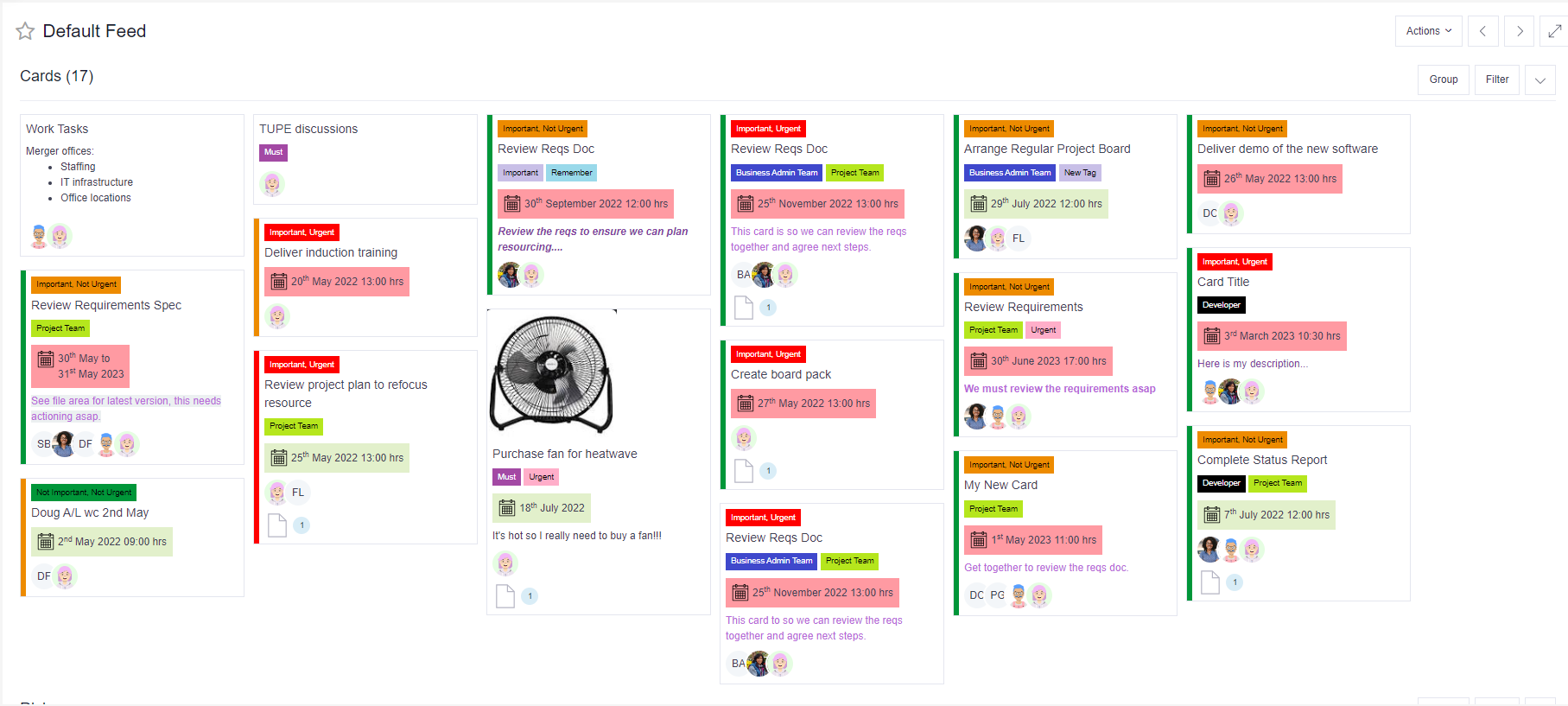
Feeds combine all of your individual responsibilities into a single, editable view. To access your Feeds view, click on the Feeds Tab in the navigation menu at the top of the screen (if you are in the Teams App, this will be located under the Verto tab).
Your default feed will include any activities where you have either been added as a card member (on a board) or as the owner of a specific task, action, risk etc. Filters and grouping can be applied as needed to refine this view.
Anything in your feed can be easily updated by simply clicking on it to reveal the full record.
Watch this short video to find out more: